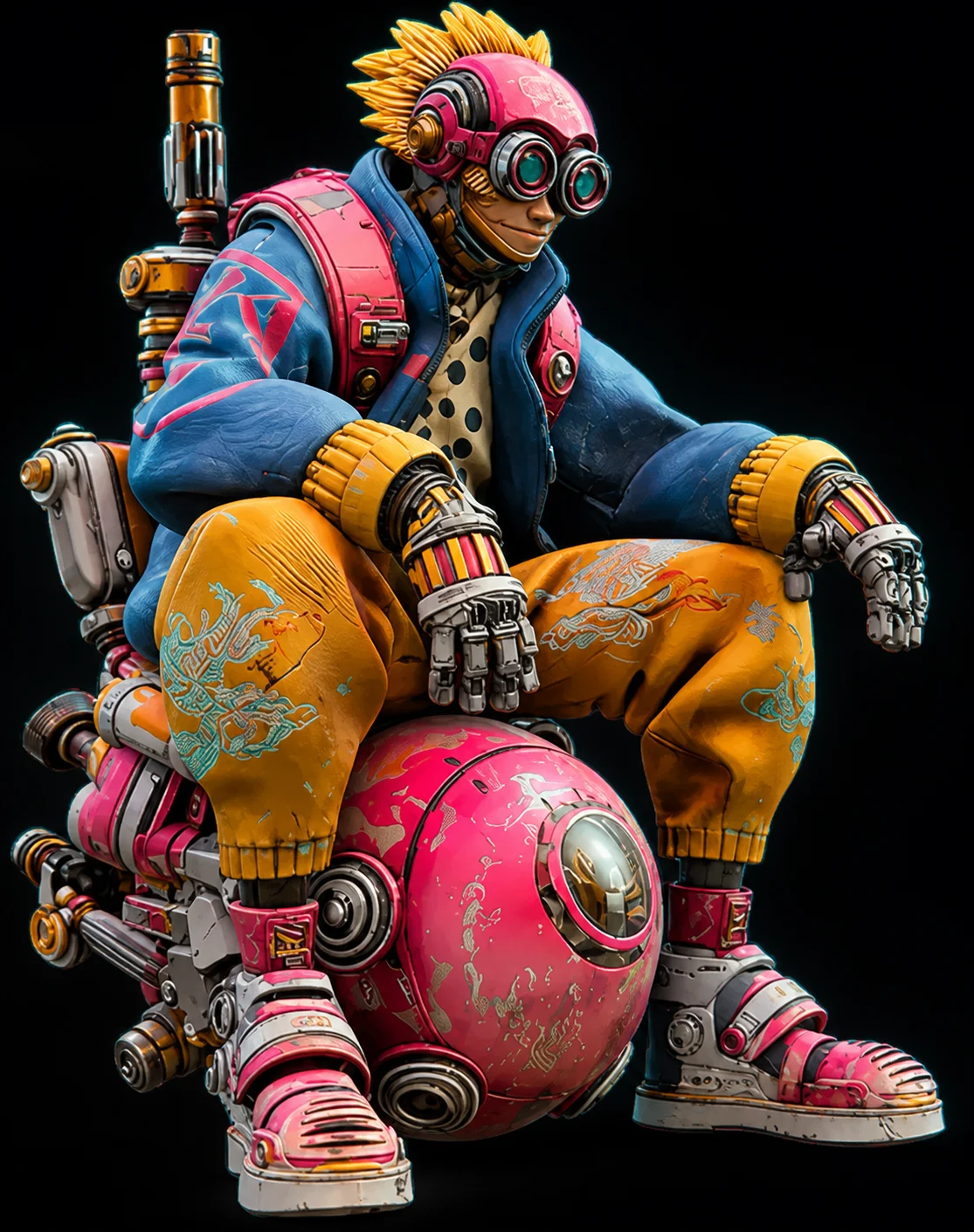
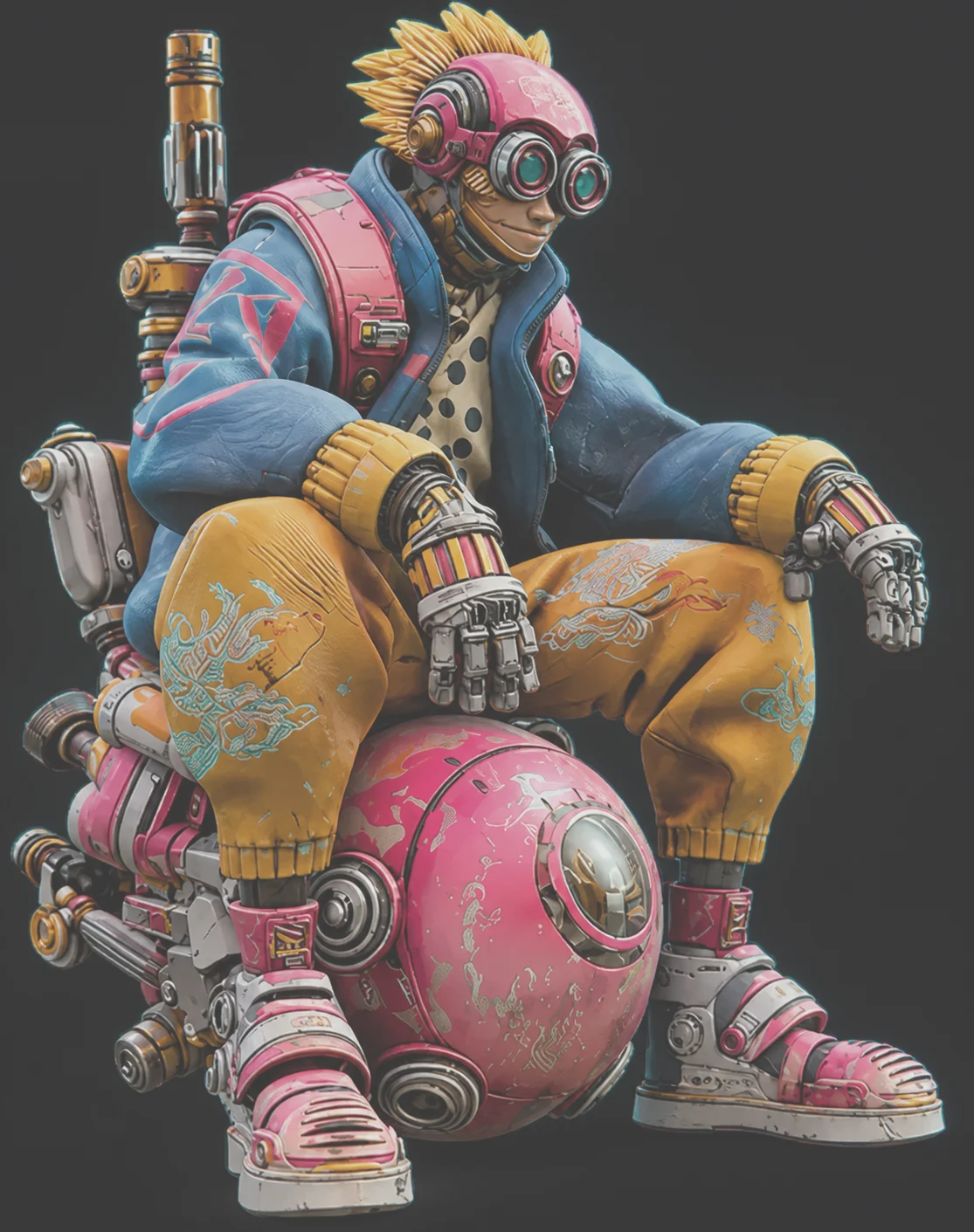
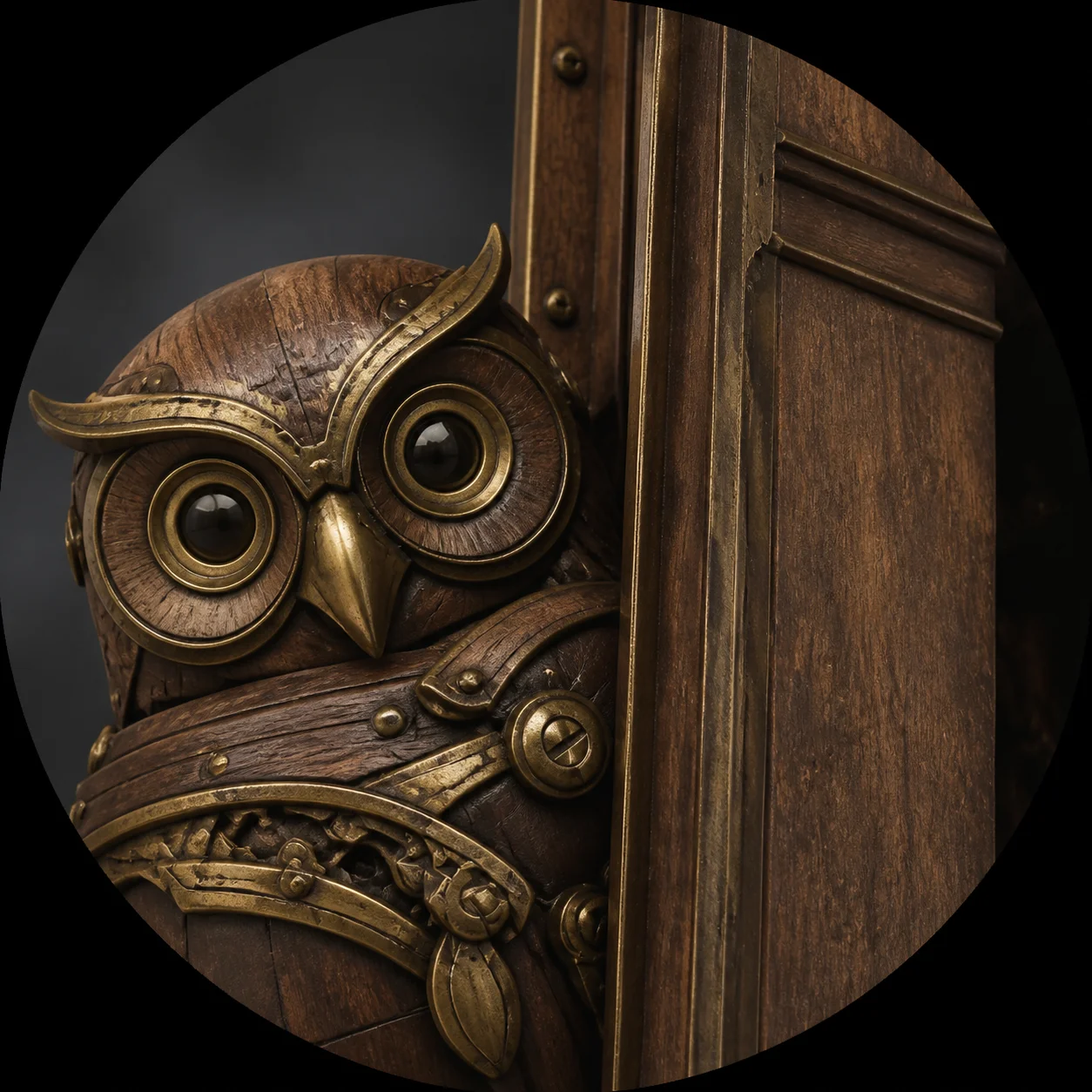
Discover what creators are building with our AI 3D model generator. From intricate character designs to functional 3D printing parts, explore how the Hi3D image to 3D pipeline transforms flat photos into incredible 3D models.
This gallery highlights the diverse range of 3D models produced by the Hi3D community, showcasing the true capability of modern AI generation. Each result you see below began as a single 2D image and was fully reconstructed into a watertight, textured mesh in under 90 seconds. By analyzing the original image's silhouette and shading, the AI 3D model generator accurately infers the hidden volumes and bakes a clean albedo texture map directly onto the geometry. Whether it is a highly detailed prop designed for an indie video game, a stylized figurine meant for 3D printing on an FDM machine, or a complex industrial part converted from a reference photograph, our image to 3D pipeline seamlessly bridges the gap between imagination and physical reality. Use the filters below to browse specific categories and see firsthand how Hi3D tackles different materials, shapes, and complex topology.
3D Printing Models
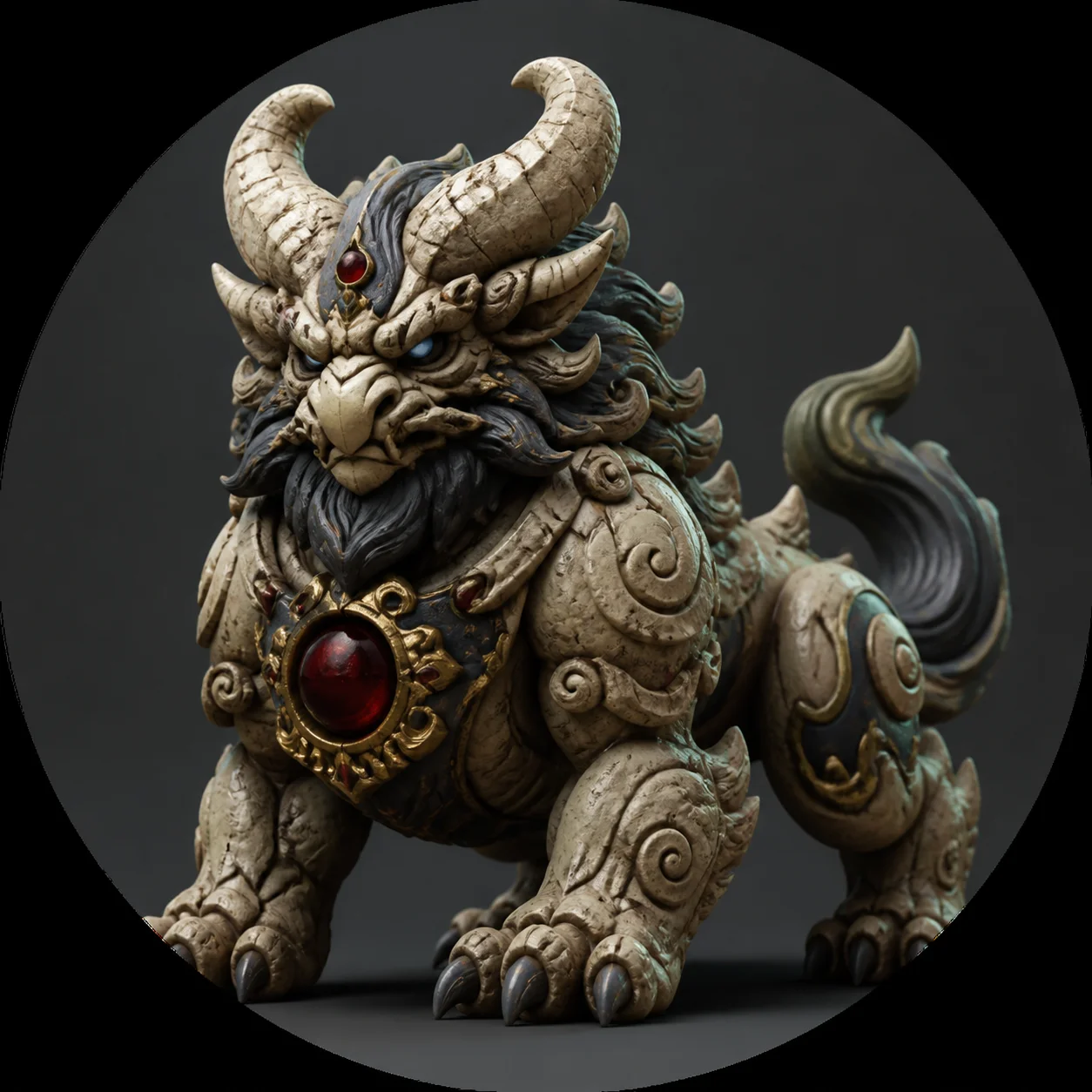
These models demonstrate Hi3D's ability to output manifold, slicer-ready topology designed for physical fabrication. By avoiding non-manifold edges and microscopic holes, these STL files can be immediately loaded into Cura or Bambu Studio for successful FDM and SLA 3D printing.
Carved statue photo to watertight STL for FDM 3D printing.
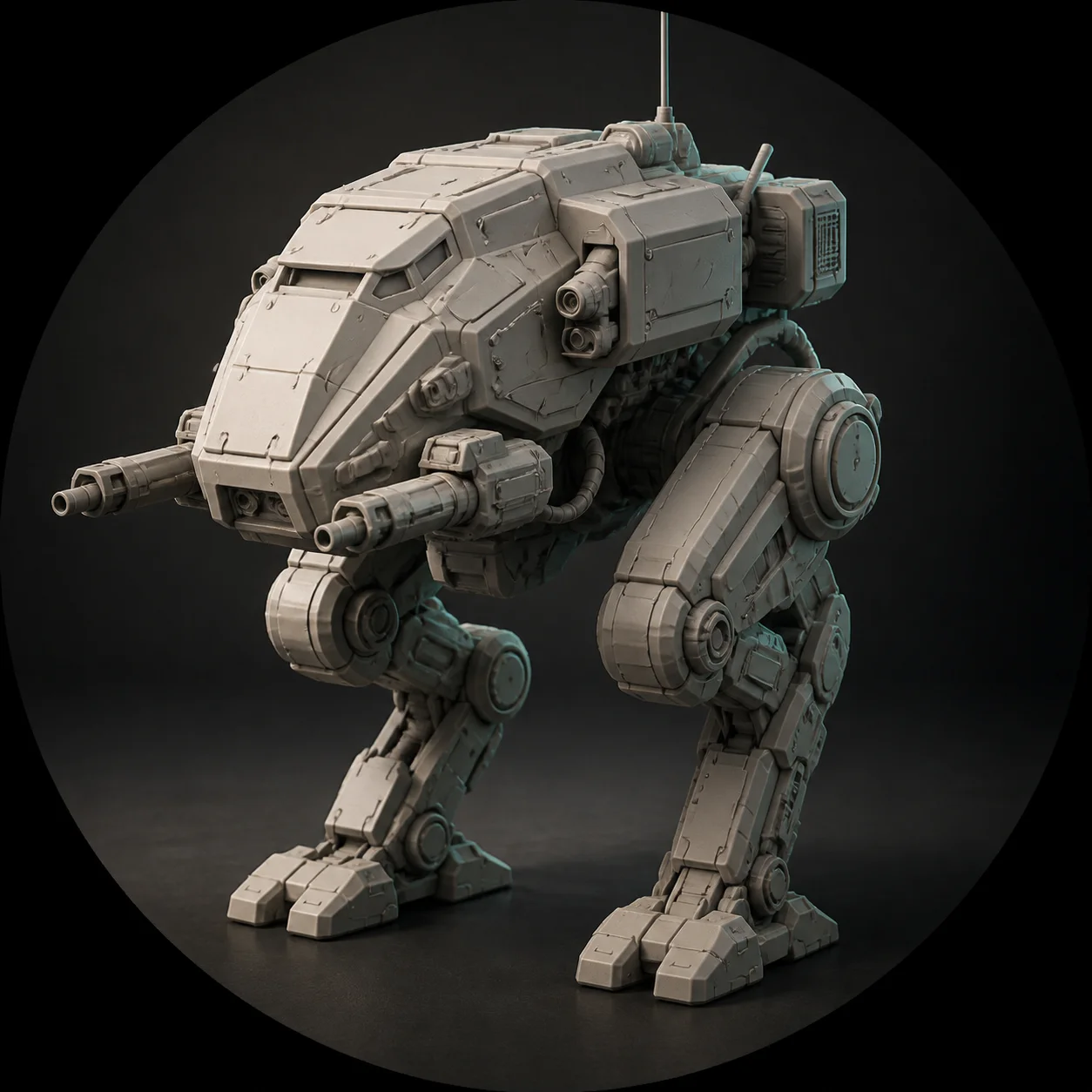
Industrial component photo to 3D model with full volumetric reconstruction.
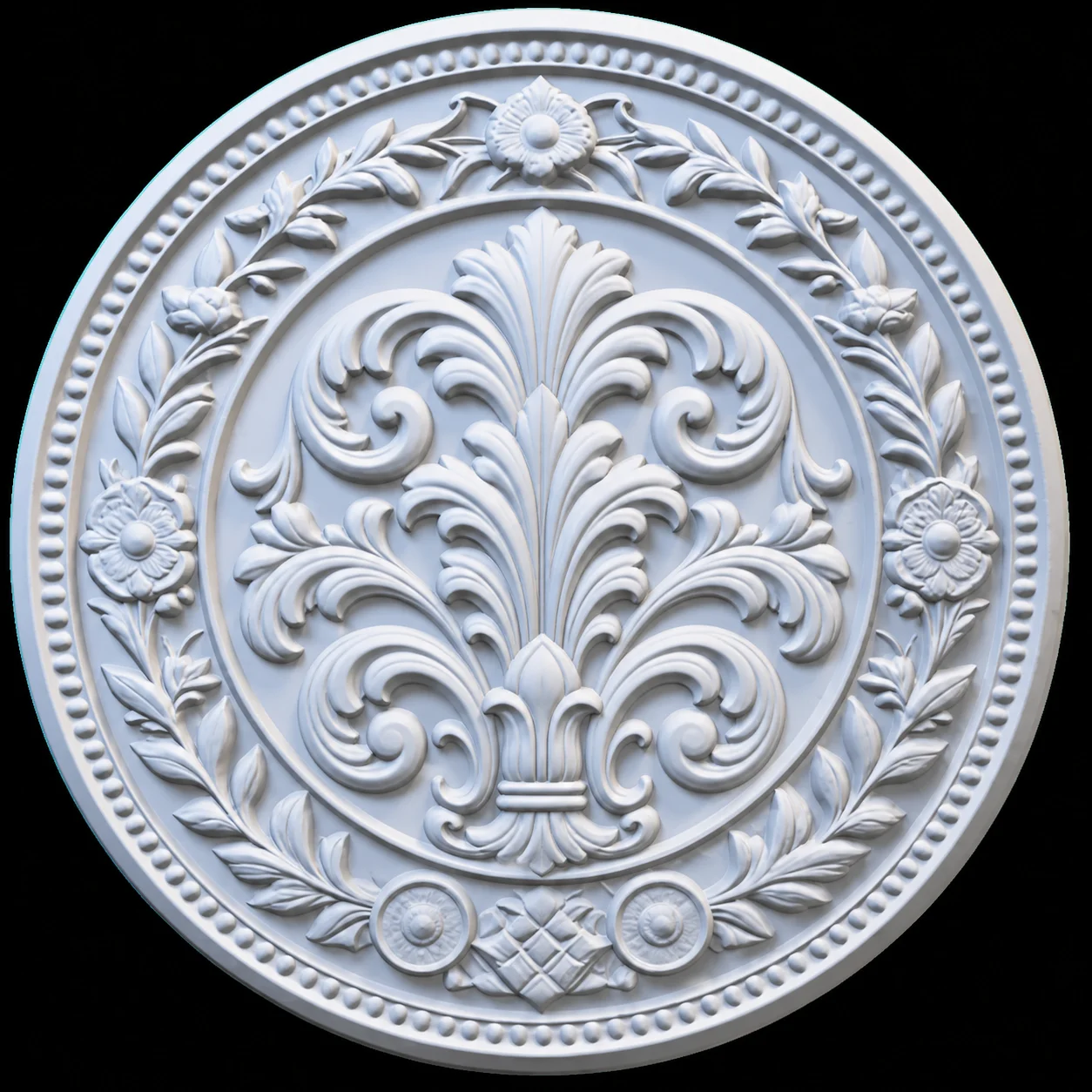
Flat relief panel generated from artwork and exported as printable STL.
Characters and Creatures
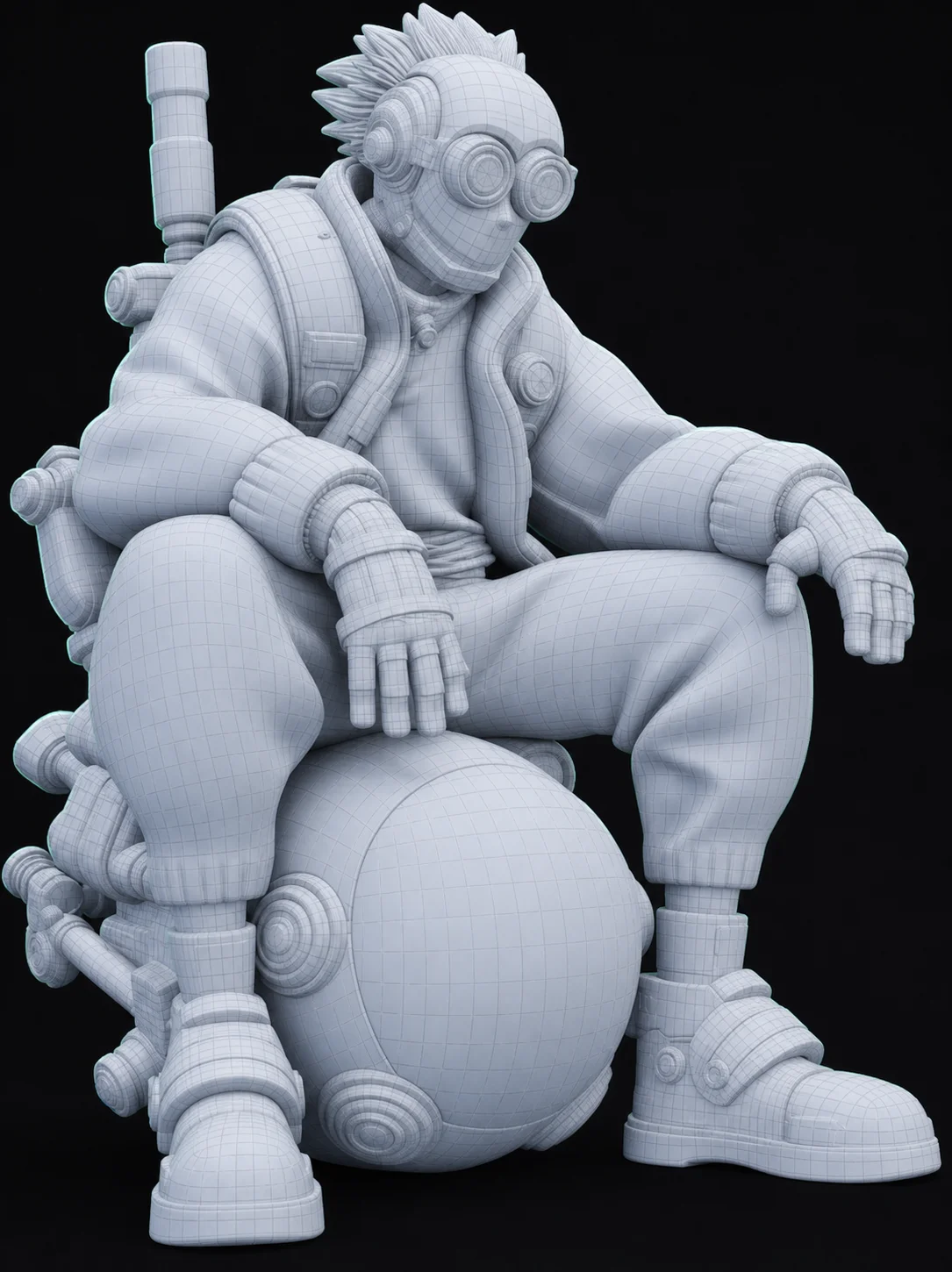
Explore how flat concept art and character sketches are transformed into solid base meshes suitable for digital artists. Hi3D intelligently interprets the organic curvature and complex undercuts of organic forms, providing an excellent starting point for further retopology and rigging in Blender.
Concept art converted into a clean base mesh for game development.
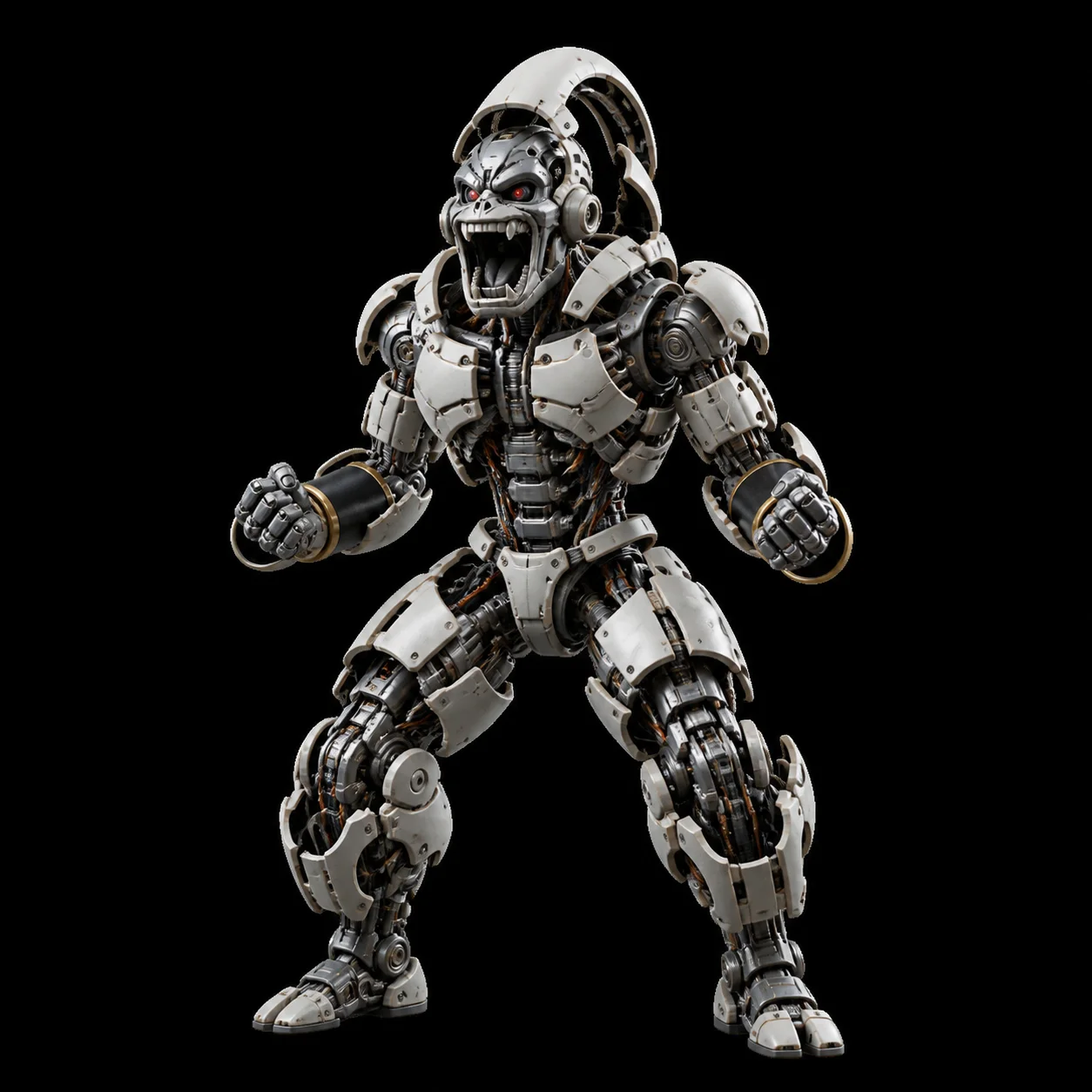
Character bust processed with Hi3D for clean albedo texturing.
Hi3D dynamically processing a 2D image to 3D mesh.
Products and Assets
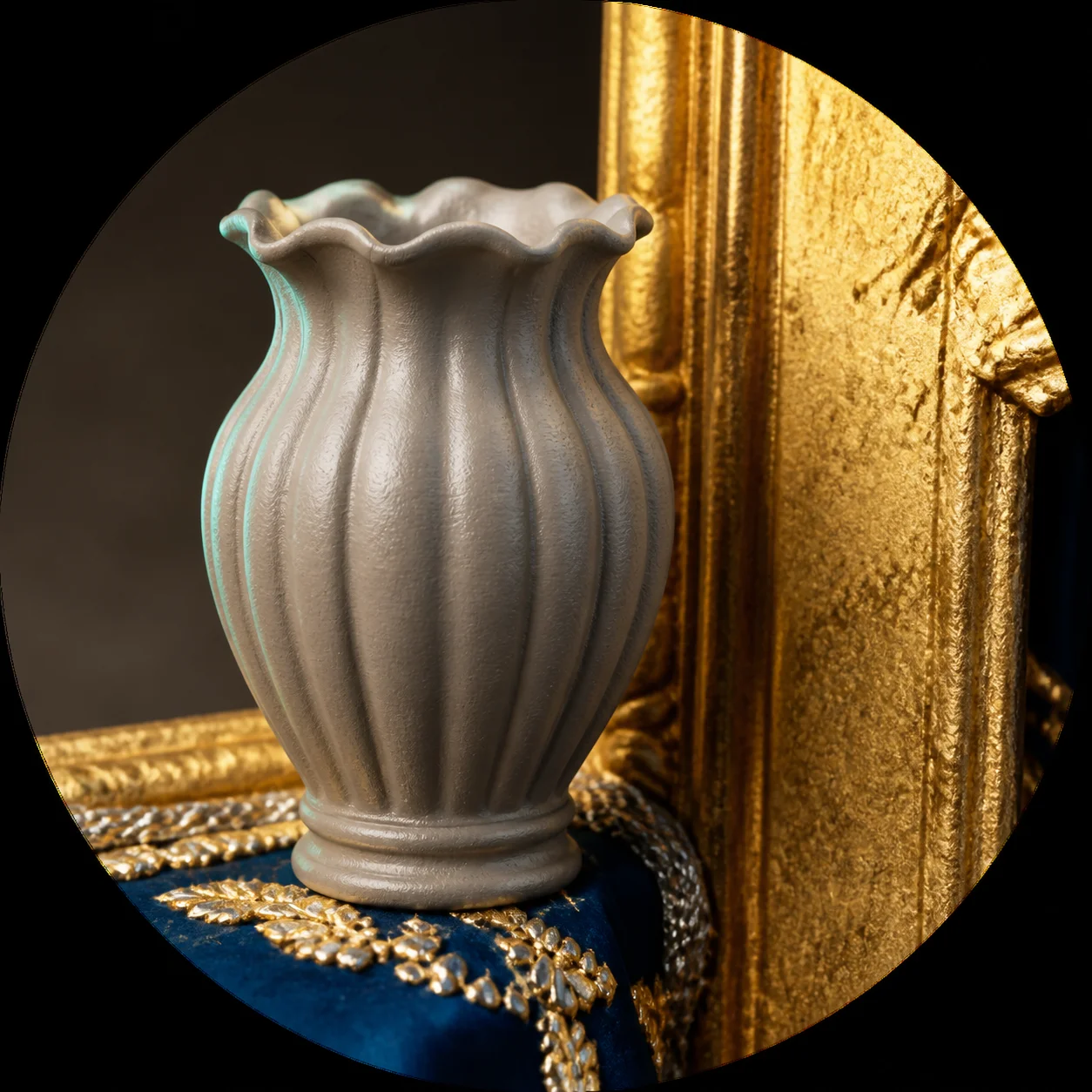
See how product photography and marketing images can be turned into interactive web-ready GLB files. The image to 3D process seamlessly projects UV maps and extracts lighting-neutral textures, making these 3D models perfect for AR visualization and e-commerce displays.
Ceramic vase product image to 3D web-ready GLB model.
Clear source photo serving as the input for the AI 3D model generator.
Product render carrying the lighting-neutral albedo Hi3D extracted.
Game Props
Discover hard-surface items, architectural elements, and environmental props generated directly from reference sketches. This category highlights the AI's capability to preserve sharp edges and intricate polygonal details, delivering assets that are highly functional within Unity or Godot.
Reference sketch transformed into a textured PBR prop for VR.
Ornamental medallion image to 3D model with sharp edge preservation.
Final print-ready 3D model successfully generated.
What Makes a Good Source Photo?
The quality of your final 3D model heavily relies on the clarity of your initial reference image. To achieve the best possible watertight geometry and clean albedo textures, provide an image with a distinct, unobstructed silhouette set against a simple or transparent background. Avoid heavy cast shadows, extreme perspective distortion, or overlapping foreground elements that confuse the depth inference algorithms. By feeding the AI 3D model generator a clean, evenly lit photograph, you drastically improve its ability to accurately resolve complex topology and sharp edges.
Keep exploring Hi3D
Every Hi3D page runs on the same free image to 3D engine. Pick the workflow closest to what you are building.