Image to 3D
Hi3D reconstructs full geometry from a single photo — including surfaces the camera never saw. You get a closed, watertight mesh, not a flat relief.
1 image → 1 meshPowered by Hunyuan3D-2 · Free, no signupNo credit meter · unlimited retries
Turn any image into a print-ready 3D model in seconds. Upload a photo, get clean geometry and PBR textures — then download 3D models for 3D printing, games, and AR.
Drag an image here or click to upload
We'll turn it into a high-quality 3D model — free, no account needed
Free and anonymous. Protected by Cloudflare Turnstile.
Hi3D reconstructs full geometry from a single photo — including surfaces the camera never saw. You get a closed, watertight mesh ready for 3D printing, not just a flat relief.
Create For Free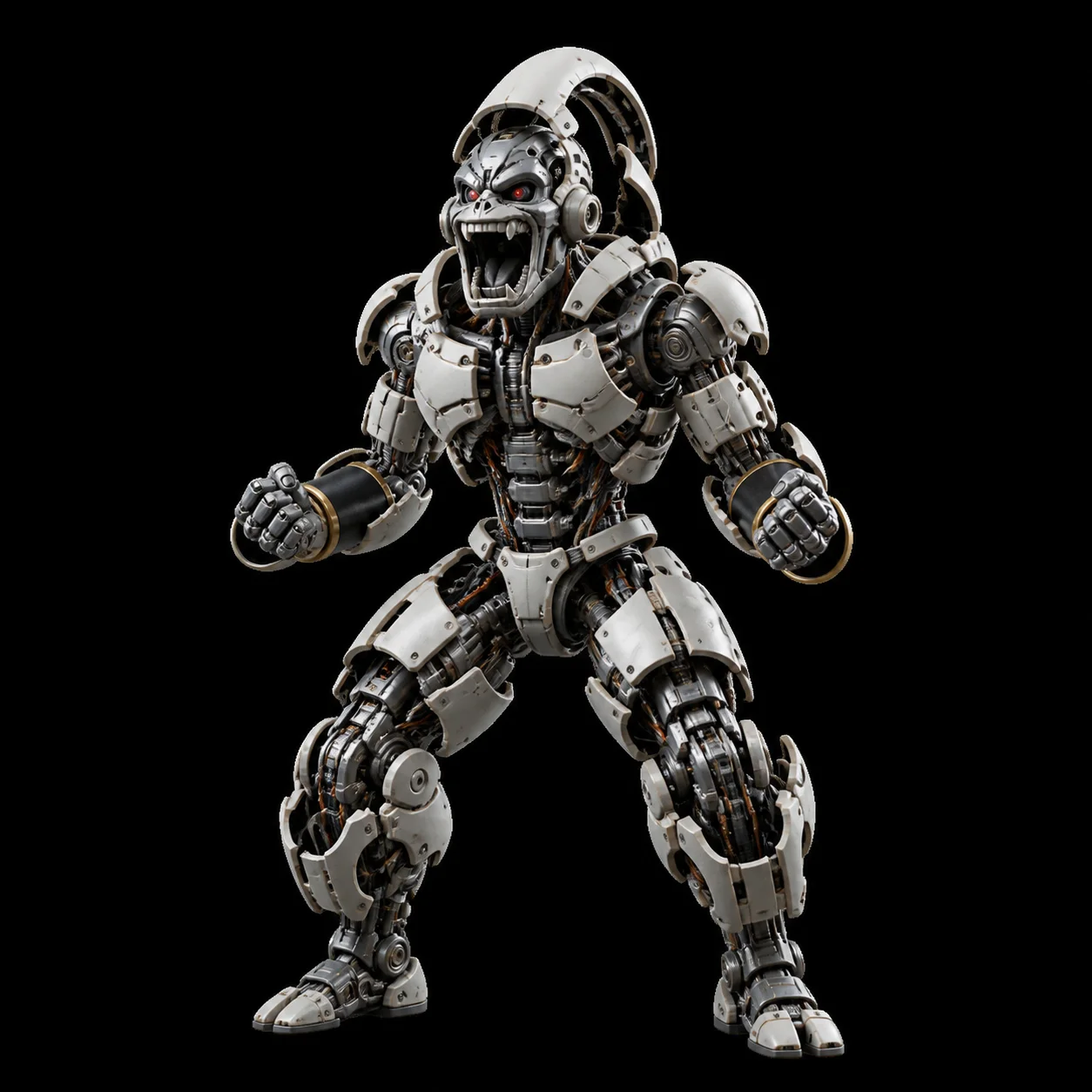
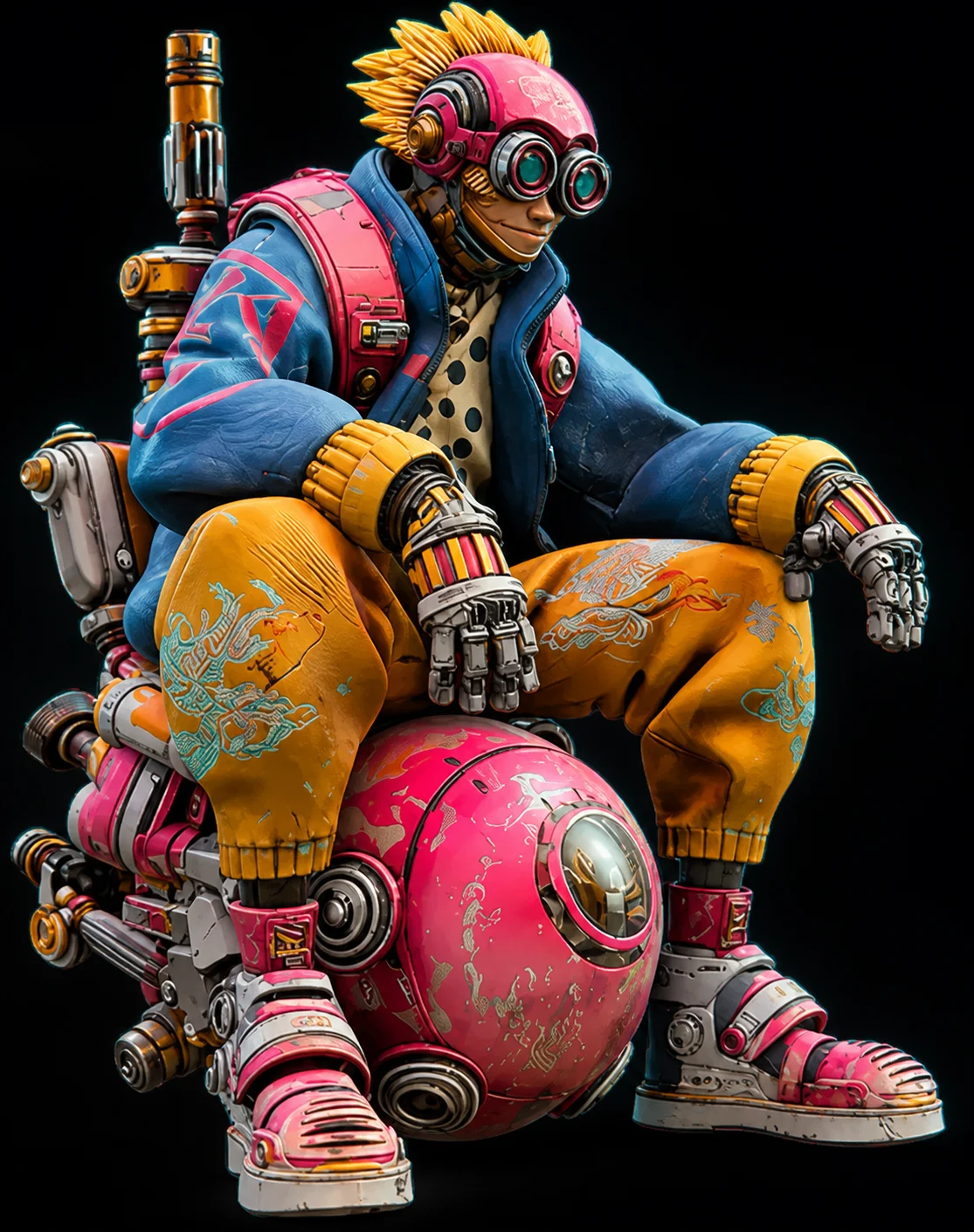
Hi3D detects and strips baked-in highlights and shadows from your source image. The result is clean albedo instead of a photo of one lighting setup, giving you high-resolution PBR textures baked onto the generated 3D model in one pass.
Create For FreeFrom ornamental relief to hair-level surface texture, Hi3D captures the nuances of intricate forms perfectly. It generates crisp, sharp-edged geometry that survives slicing — so carved detail still reads after your 3D print comes off the bed.
Create For Free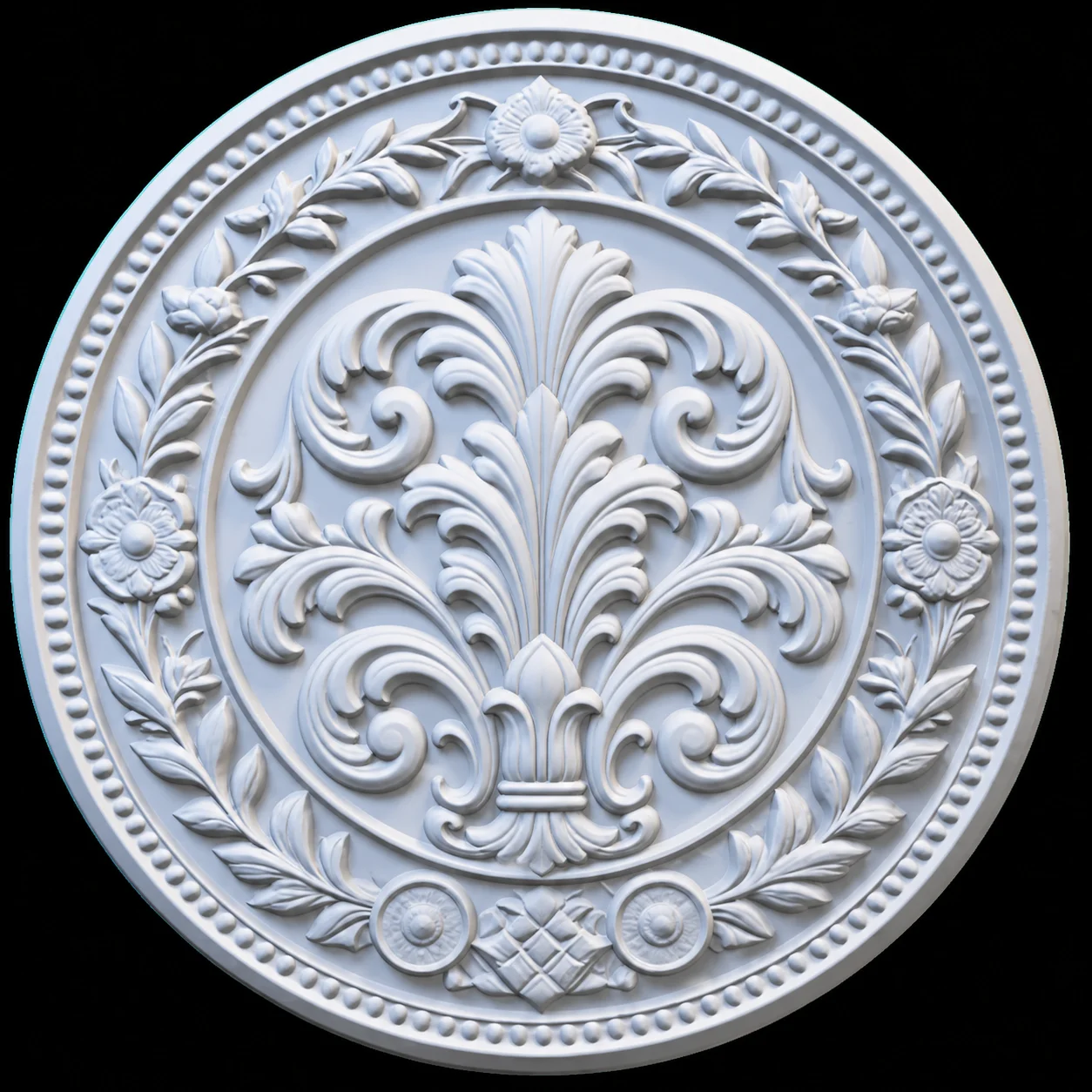 Sharp engraved edgesEven wall thicknessSmooth depth transitions
Hi3D turns images directly into high-precision 3D models — accurate structure, true-to-image textures, and the export options a real production pipeline needs.
Hi3D reconstructs full geometry from a single photo — including surfaces the camera never saw. You get a closed, watertight mesh, not a flat relief.
1 image → 1 meshHigh-resolution PBR textures are baked onto the generated 3D model in one pass by Hi3D. Ready to relight and re-render in any engine.
4K PBR mapsEvery mesh from Hi3D is manifold and slicer-safe, so 3D printing works on the first try. Export STL straight into Bambu Studio.
watertight STLHi3D detects and strips baked-in highlights and shadows from your source image. The result is clean albedo instead of a photo of one lighting setup.
albedo recoveryDownload 3D models as GLB, OBJ, or STL. Works with Blender, Unity, Unreal, and every common slicer.
GLB · OBJ · STLNot happy with a result? Run it again with a different image or angle as many times as you like — the Hi3D image to 3D generator is free, with no counter to watch.
retry foreverNo modelling experience, no software install, no account. From photo to downloadable mesh in about a minute.
 STEP 1
Provide one clear photo, PNG, JPG, or WebP. A plain background works best for the reconstruction process. Ensure the subject is evenly lit, avoiding harsh shadows or overlapping elements that obscure the silhouette. A simple reference photo from a direct angle gives the algorithm the clearest view of the underlying topology.
 STEP 2
The generation engine reconstructs geometry and bakes textures, typically taking 40–90 seconds. During this phase, it builds a complete manifold mesh, unwraps the UV map, and projects a clean albedo layer. The system handles complex surfaces automatically, meaning you skip hours of manual retopology.
 STEP 3
Orbit the generated asset in-browser to verify the shape from all angles. Once satisfied, download the GLB or STL file and take it straight to your slicer, game engine, or sculpting software. The resulting topology is immediately ready for Bambu Studio, Cura, or import into Blender for further subdivision.
Whether you are rapid prototyping on an FDM machine, populating a game environment in Unreal, or preparing an asset for a WebGL experience, this pipeline accelerates asset creation. Skip the tedious block-out phase and move straight to finalizing your sculpt.
Generate closed, manifold meshes ready for any 3D printer without manual retopology.
Rapidly populate your scenes with optimized background props and base meshes.
Turn concept sketches or reference photos into tangible 3D models in minutes.
Create digital sculptures and base forms from 2D artwork effortlessly.
Bring products to life on the web with lightweight, textured models.
Empower students to create 3D assets without learning complex modeling software first.
Explore a selection of recent community generations. These examples showcase the tool's ability to maintain accurate silhouettes, resolve complex geometry, and produce watertight topology straight from a single reference photo.
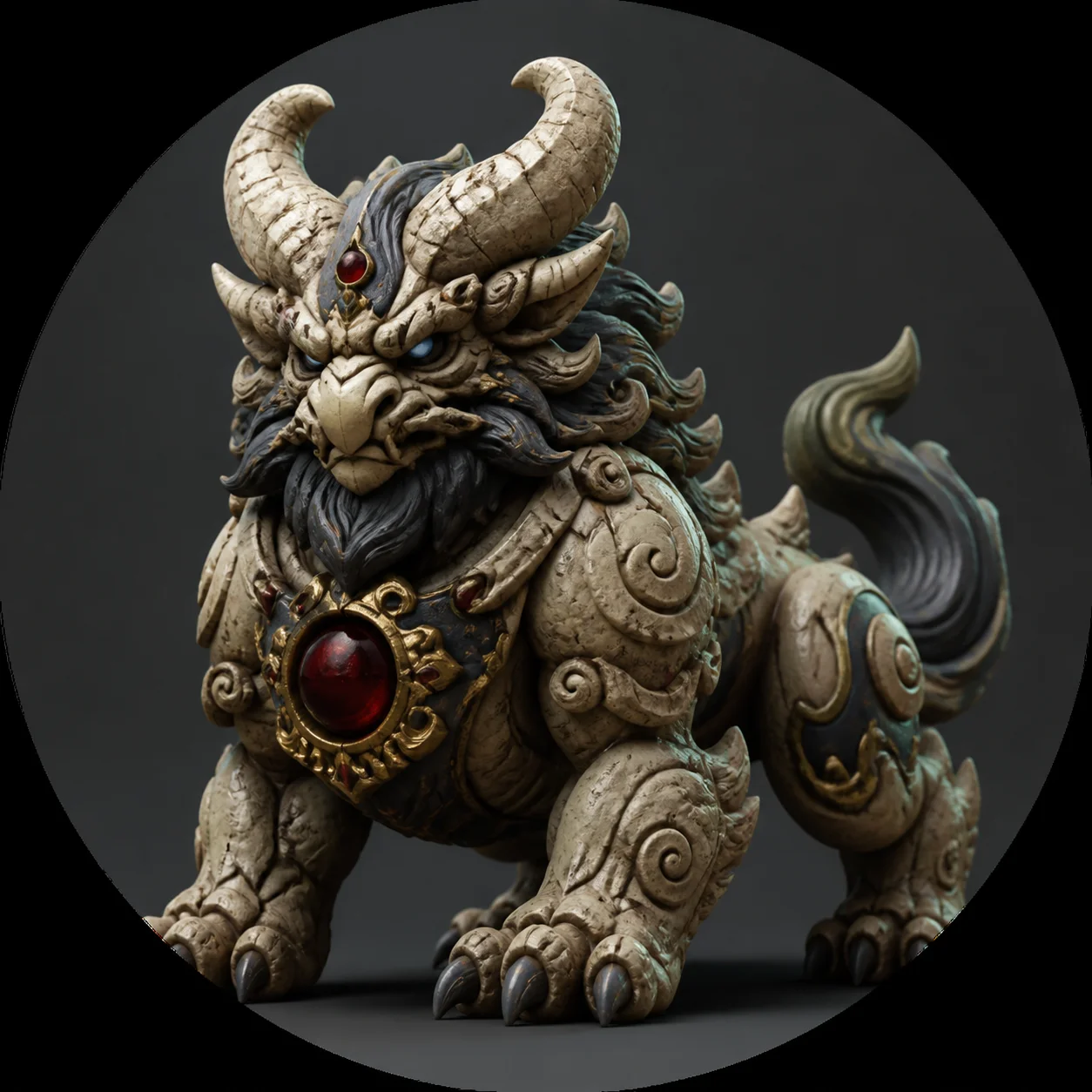 STL
STLCarved statue photo → watertight STL for FDM 3D printing
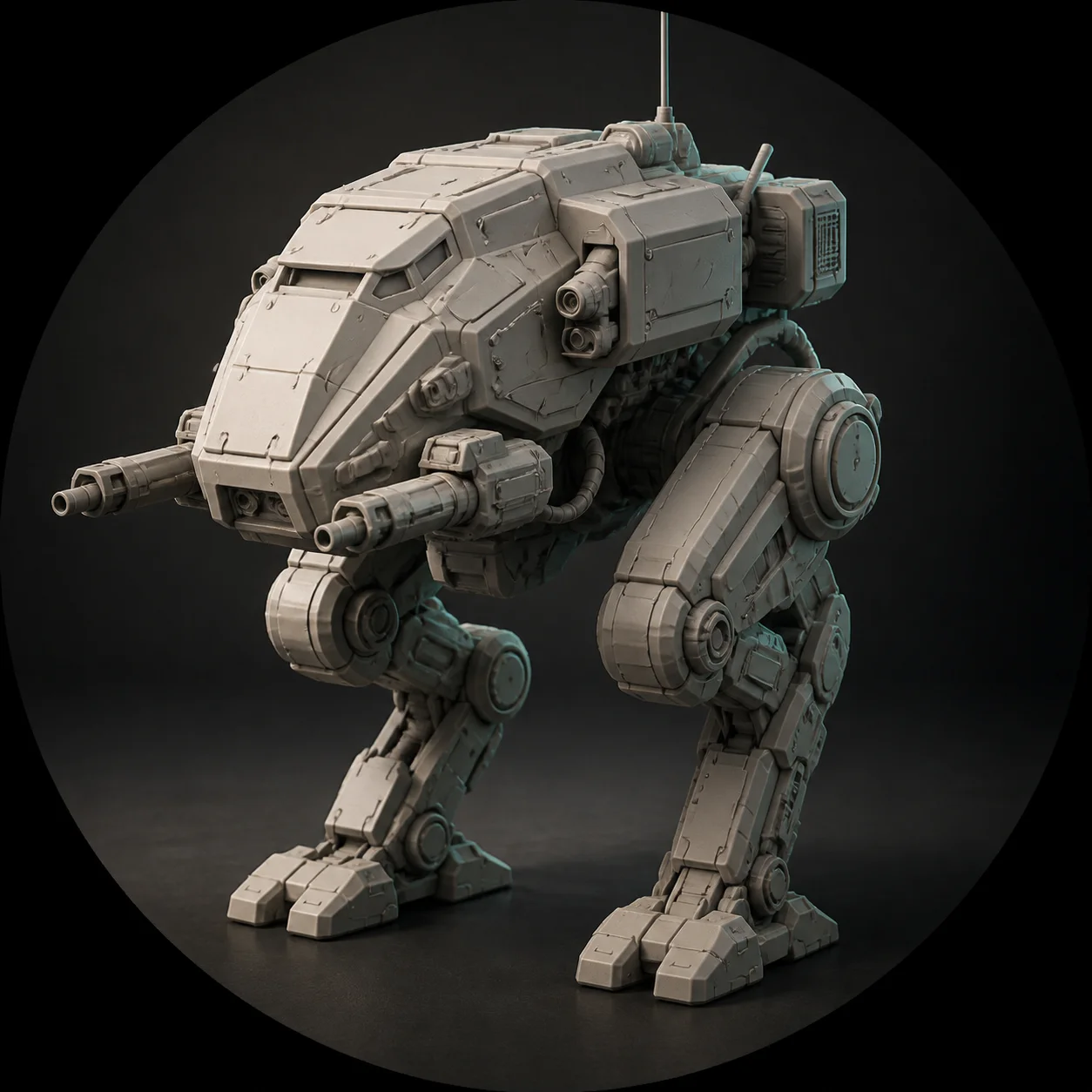 GLB
GLBConcept art → base mesh for game development
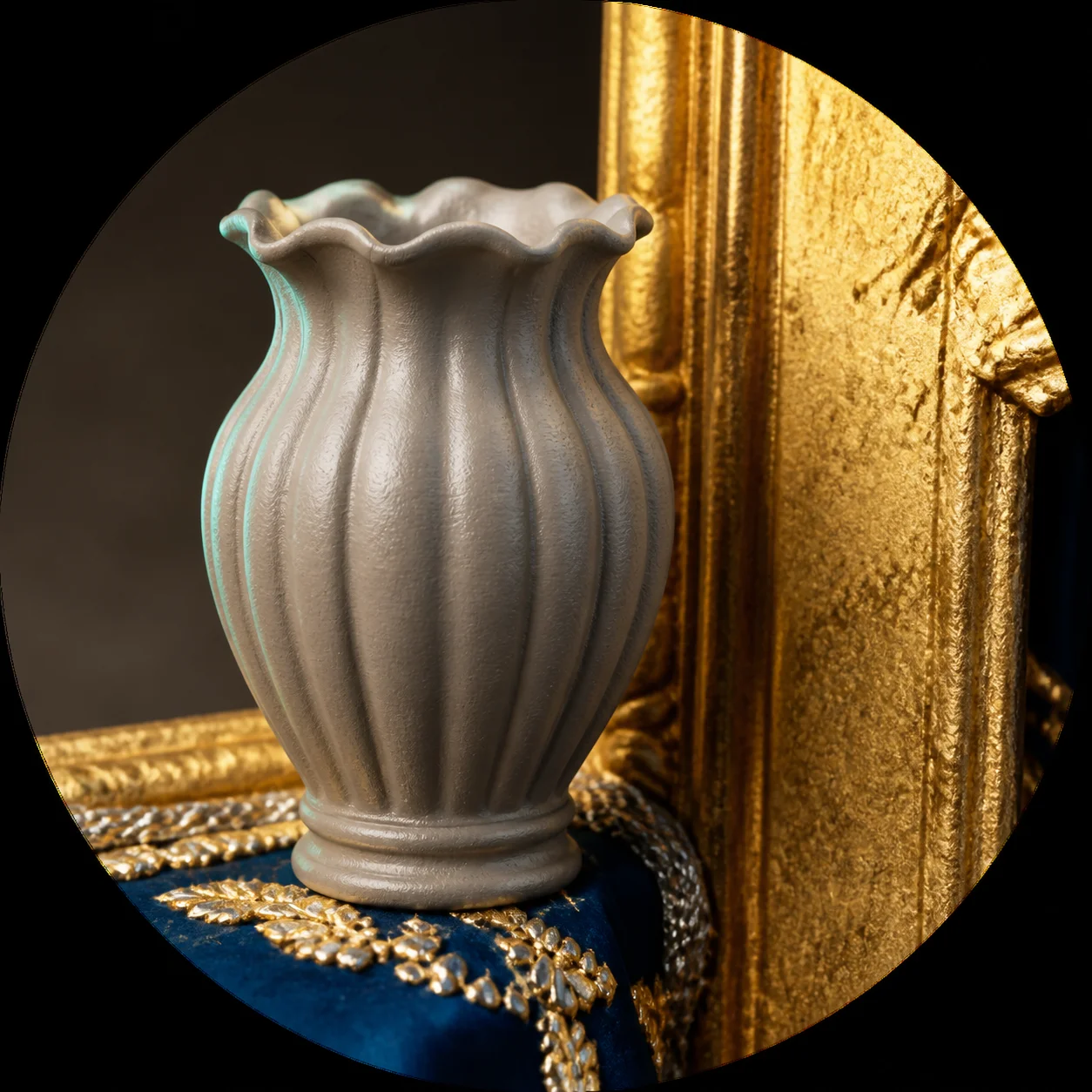 STL
STLCeramic vase photo → web-ready GLB model
 GLB
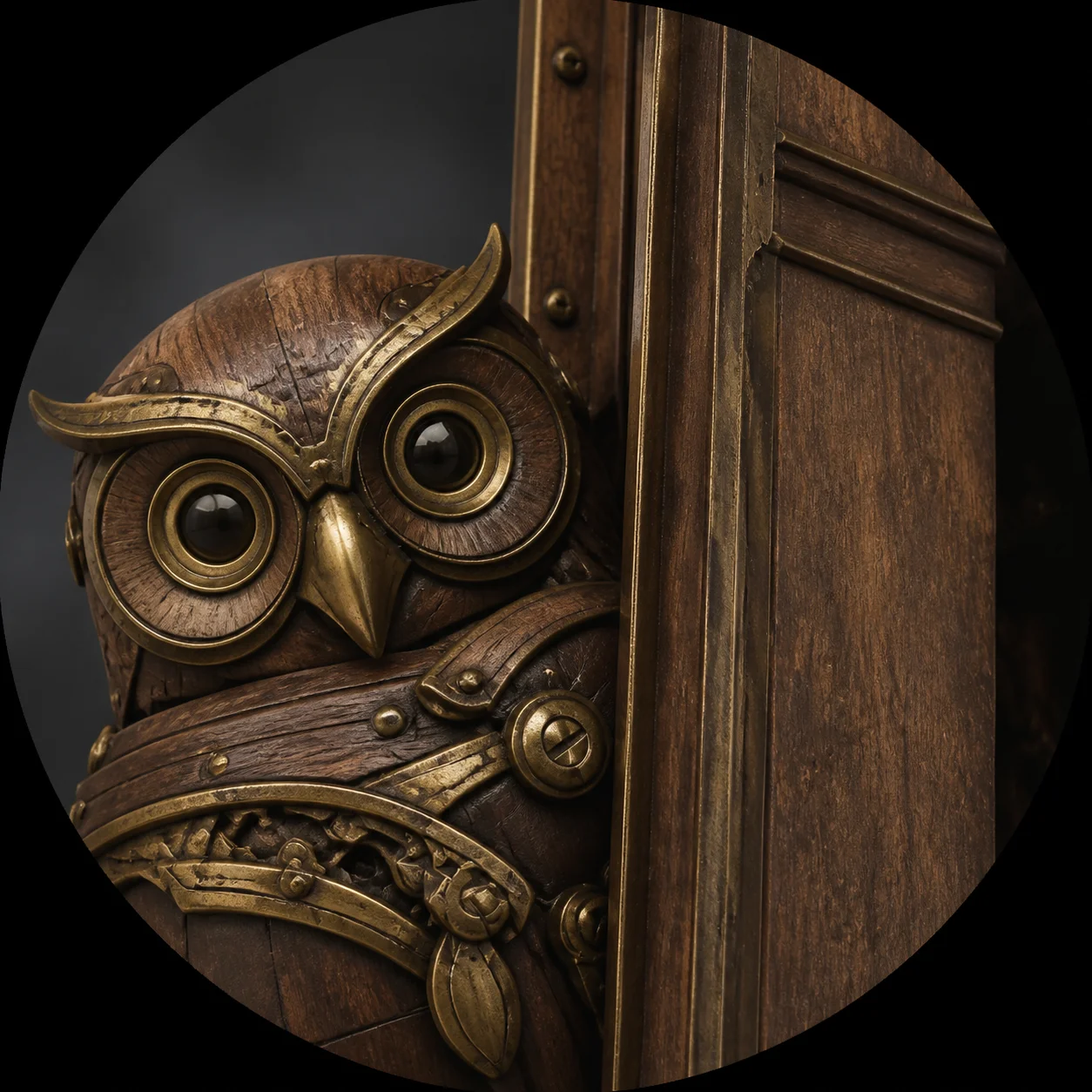
GLBReference sketch → textured PBR prop
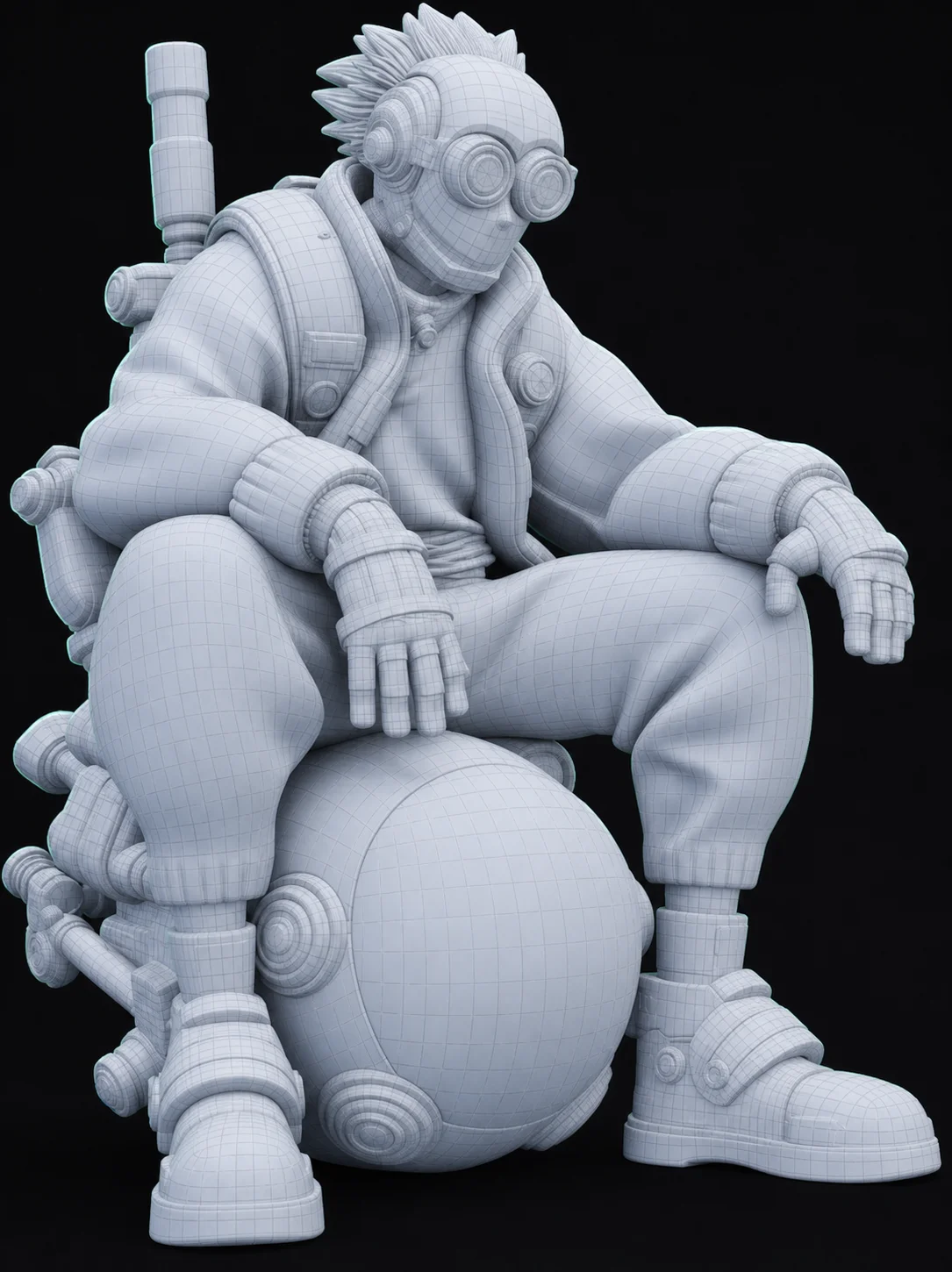
OBJUntextured clay render — the raw geometry pass before texturing, ideal as a sculpting base.
GLBThe same mesh after AI texturing — 4K PBR maps baked on in a single pass.
STLFlat ornament artwork → layered relief medallion with smooth depth transitions.
GLBMechanical figure with its interior rebuilt — hidden structure, not a hollow shell.
The same job, measured on the things that actually stop a maker: cost, friction, and whether the mesh survives a slicer.
| Feature | Hi3D | Generator A | Generator B | Generator C |
|---|---|---|---|---|
| Free to use | Yes (Unlimited) | No (Credit limit) | No (Paid only) | No |
| Signup required | No | Yes | Yes | Yes |
| Image to 3D quality | High (PBR) | Medium | Medium | Low |
| Print-ready (STL/watertight) | Yes | Often requires repair | No | Sometimes |
| Export formats | GLB, OBJ, STL | GLB only | OBJ only | GLB, FBX |
When evaluating geometry tools, the deciding factor is usually your immediate output requirement. This generator excels if you need a fast, free, manifold mesh that drops flawlessly into PrusaSlicer or OrcaSlicer without needing a repair pass. It bakes a clean albedo texture map and provides excellent baseline topology for static props and reference art. However, if your project demands strict edge loops optimized for complex character rigging, or if you require very specific high-polygon quad topology natively, a premium enterprise solution might still fit your pipeline better. For rapid asset generation and immediate physical fabrication, this remains a frictionless starting point.
Used by makers, artists and engineers to create real, production-ready 3D models every day.
Hi3D is hands down the fastest AI 3D model generator I've used. I drop in a photo, and the resulting STL is perfectly manifold for 3D printing every time.
 Alex M.Maker
The image to 3D conversion is incredible. I save hours of retopology work for my background assets. Best part? It's completely free with no signup.
 Sarah K.Indie Game Dev
I use Hi3D to prototype jewelry designs. The fact that it bakes textures and outputs a clean 3D model in under a minute is mind-blowing.
 David L.Jewelry Designer
As a prop maker, I need reference models fast. Hi3D delivers print-ready geometry that I can toss straight into my slicer.
 Elena R.Prop Designer
Hi3D is a free AI 3D model generator that turns any 2D image into a high-quality, fully textured 3D model in seconds. It's built for creators who need 3D assets quickly. The system utilizes advanced machine learning to infer depth, structure, and material properties from a flat image. By automating the block-out and UV mapping phases, it removes the steepest technical barriers to creating custom geometry. This empowers indie developers, digital artists, and makers to generate countless variations without getting bogged down in manual polygon manipulation.
Yes, Hi3D is completely free to use. There are no credit limits, no subscription tiers, and no hidden fees to generate your 3D models. We implement a fair-use rate limit of three generations per hour per user to ensure server stability. This allows you to test different reference photos and refine your results without ever hitting a paywall. The exported assets remain entirely yours, unrestricted by licensing barriers.
No account is required. You can use the Hi3D image to 3D generator instantly directly from our homepage without providing an email or signing up. This frictionless approach means you can jump straight into testing a concept art piece or generating a quick prop right when inspiration strikes. All processing is handled securely, and your resulting geometry is available for immediate download. We designed this workflow to respect your privacy and save your time.
Hi3D uses advanced AI (Hunyuan3D-2) to analyze your 2D photo, estimate depth and geometry, and reconstruct a full 360-degree 3D model with baked PBR textures. The underlying neural network calculates the probable hidden volumes and generates a watertight mesh to represent the complete shape. Simultaneously, it extracts lighting-neutral color data to create a high-fidelity albedo layer. The final output is a manifold polygon structure, unwrapped and packaged neatly into a standard file format.
For the best 3D models, use a clear, well-lit image of a single object on a plain or transparent background. Avoid complex, cluttered scenes or heavy shadows. Reference material shot with flat, even lighting yields the cleanest topology and the most accurate texture map. Additionally, try to avoid extreme perspective distortion or obscuring elements like hands holding the subject. Clean silhouettes and distinct color boundaries help the algorithm separate the object from empty space accurately.
Hi3D allows you to download your generated 3D models in GLB, OBJ, and STL formats, making them compatible with nearly all 3D software and game engines. The GLB format is highly recommended for Unity, Godot, and web applications because it conveniently bundles the mesh and materials into a single file. The OBJ option provides broad compatibility for traditional sculpting pipelines in Blender or Maya. Finally, the STL export drops the UV data to deliver a lightweight, raw geometry file specifically tailored for slicing software.
Yes. Hi3D specializes in creating closed, watertight geometry. You can export an STL file and import it directly into slicers like Bambu Studio for immediate 3D printing. Because the algorithm guarantees a manifold topology with no non-manifold edges or flipped normals, you rarely need to run a repair pass. It easily handles support material generation within Cura or OrcaSlicer, allowing you to slice with your preferred layer height and infill settings flawlessly.
The AI 3D model generator typically takes between 40 and 90 seconds to process an image and output a fully textured, print-ready mesh. File sizes usually range from 2MB to 15MB depending on the visual complexity and polygon count of the generated asset. This rapid turnaround allows you to quickly evaluate a shape, adjust your reference photo, and try again if a specific undercut or overhang didn't resolve exactly as you envisioned.
Yes, any 3D model you generate using Hi3D from your own original images can be used for both personal and commercial projects without restrictions. Whether you are publishing an indie game on Steam, selling an asset pack online, or fabricating resin sculpts for a physical store, the output belongs to you. You are free to modify the topology, perform advanced retopology, or bake a custom normal map on top of the provided geometry without needing to attribute our platform.
Hi3D is proudly powered by the state-of-the-art Hunyuan3D-2 architecture, delivering exceptional geometry reconstruction and texture baking. This system leverages massive datasets of photogrammetry and human-sculpted assets to understand spatial relationships better than legacy diffusion methods. It aggressively minimizes artifacts around complex silhouettes, ensuring that the resulting polygon structure remains clean and highly usable. The continuous improvements to the underlying engine mean your results will only grow more precise over time.
Generate high-fidelity 3D models from images in seconds.
Free forever · GLB, OBJ and STL export · nothing to install
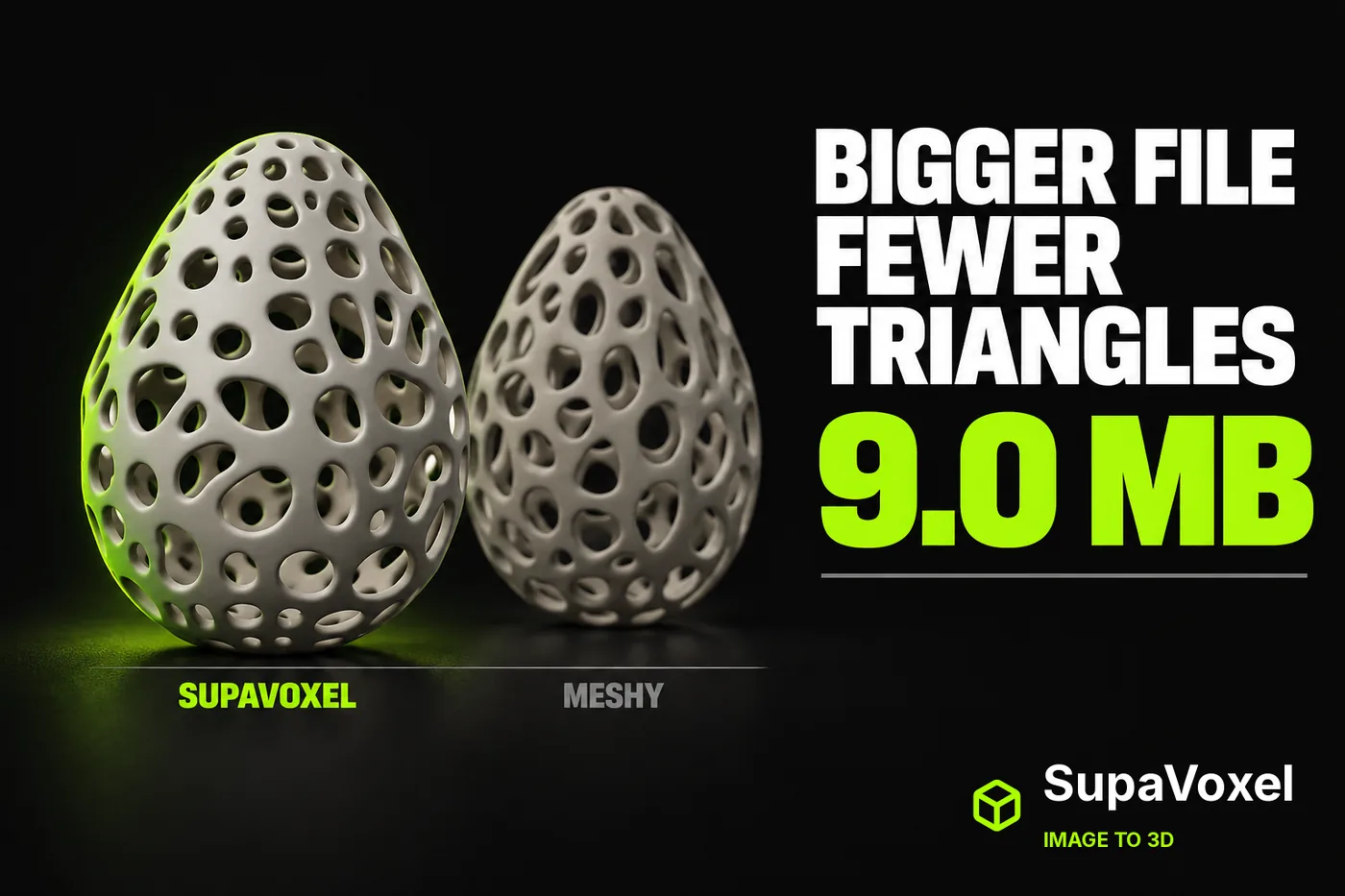 Hi3d: Meshy AI Credit Review: 35 Credits for a 27.4 MB Eggshell
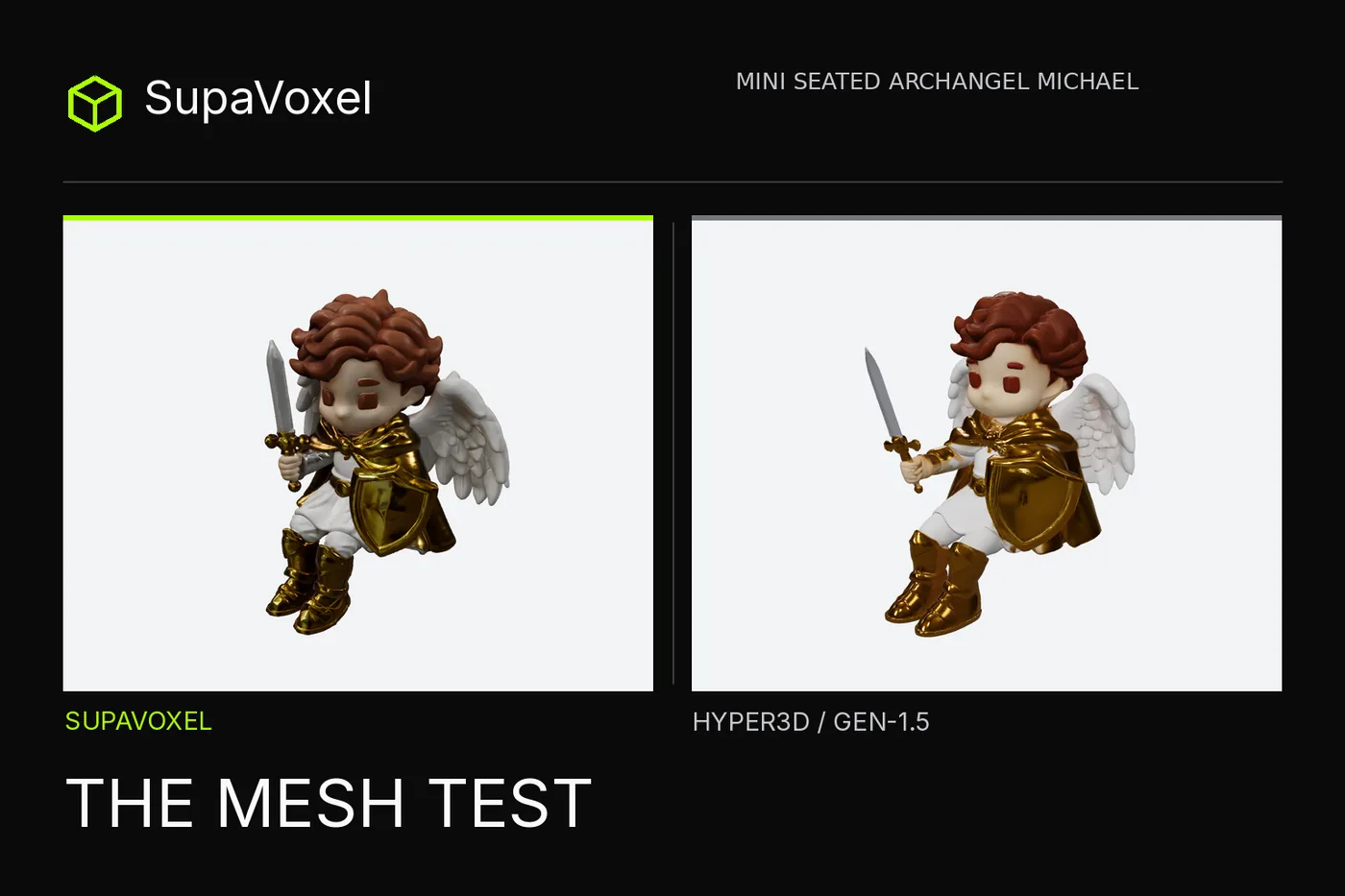 Hi3d: Hyper3D Figurine Review 2026 — Solid Shell, Flattened Wings
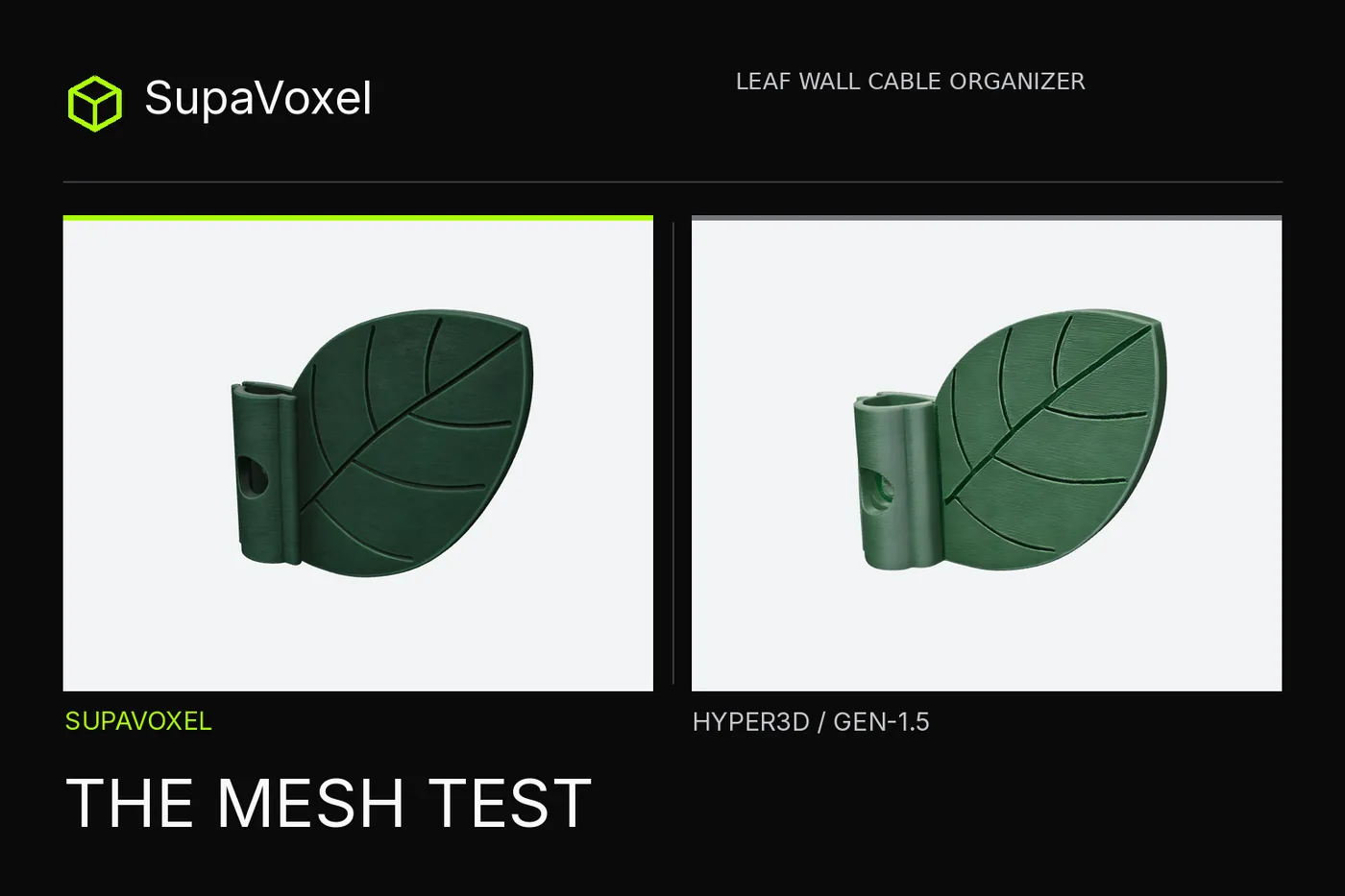 Hi3d: Hyper3D 3D Print Review 2026—1,293 mm² Potential Overhang
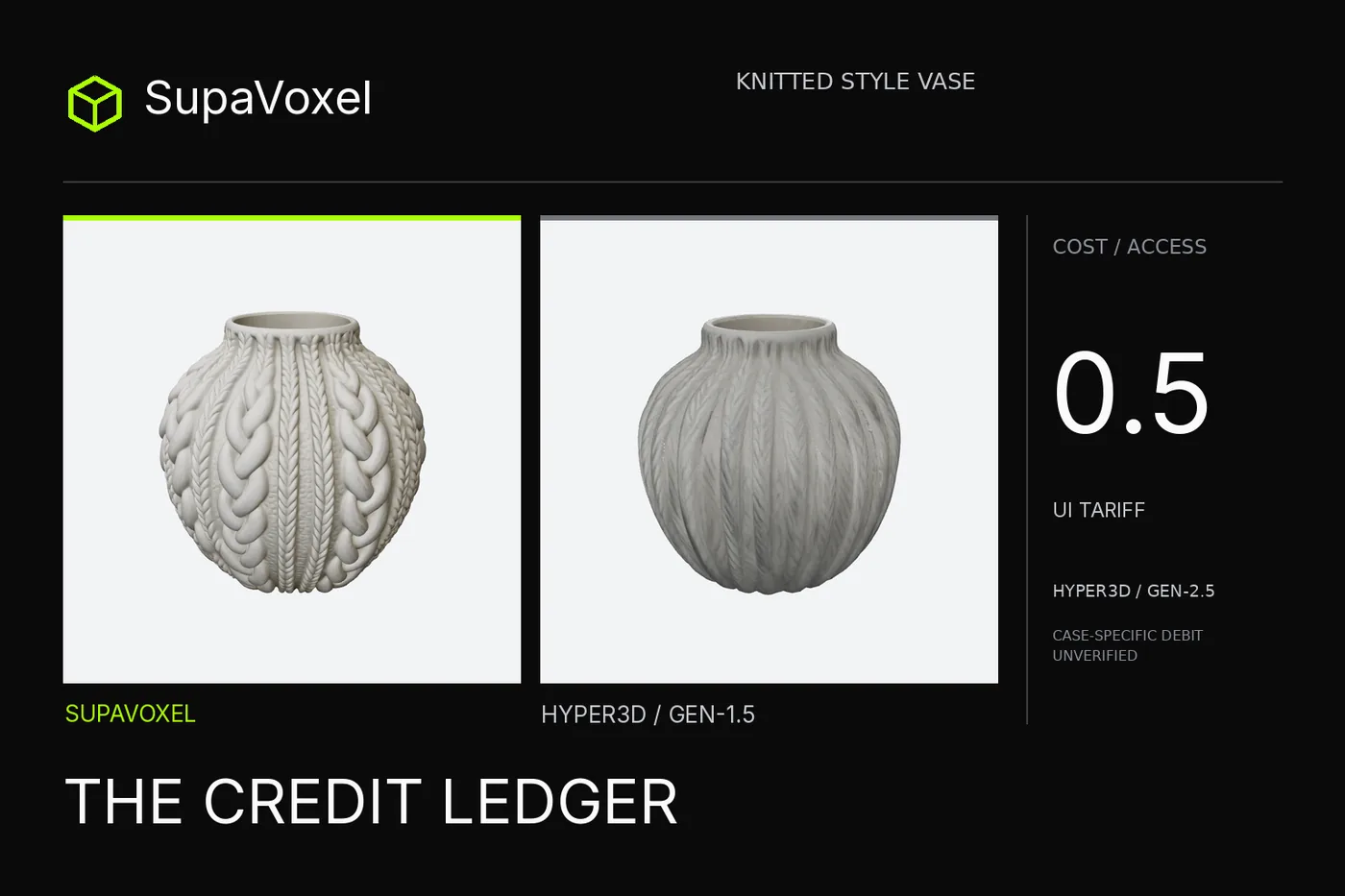 Hi3d: Hyper3D Rodin Review 2026: The Free PBR Price Is Unverified
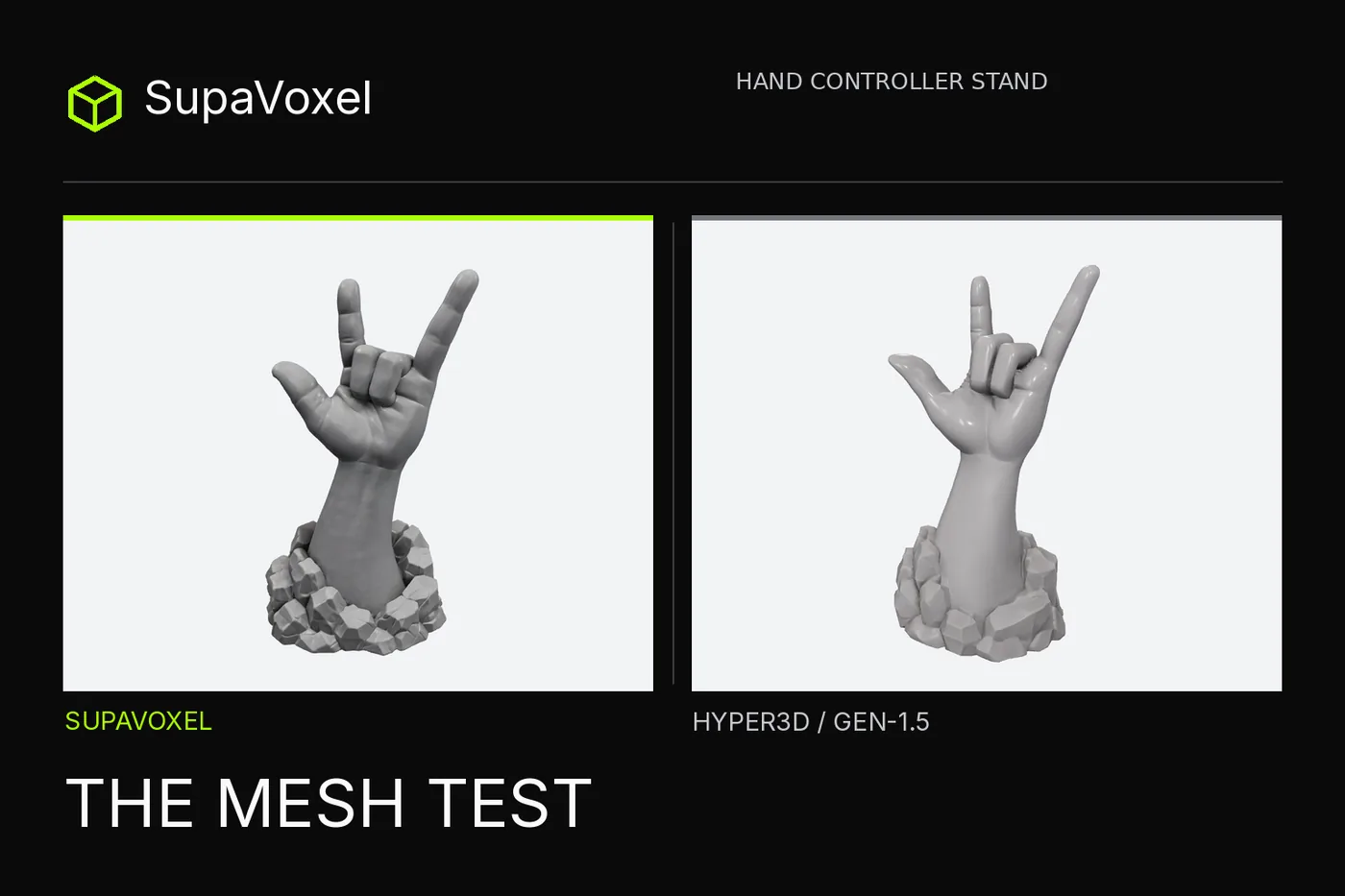 Hi3d: Hyper3D Hand Stand Review 2026—Watertight Isn't a Fit Test